Product tour
A week with Pith.
Pith isn't another app you have to visit. It's a background process: the workshop builds your client memory while you read — free, forever — and when it counts you buy a deliverable at a fixed price. Here's what a week actually looks like, including the one moment money changes hands.
Monday morning
Open Catch-up before your first meeting
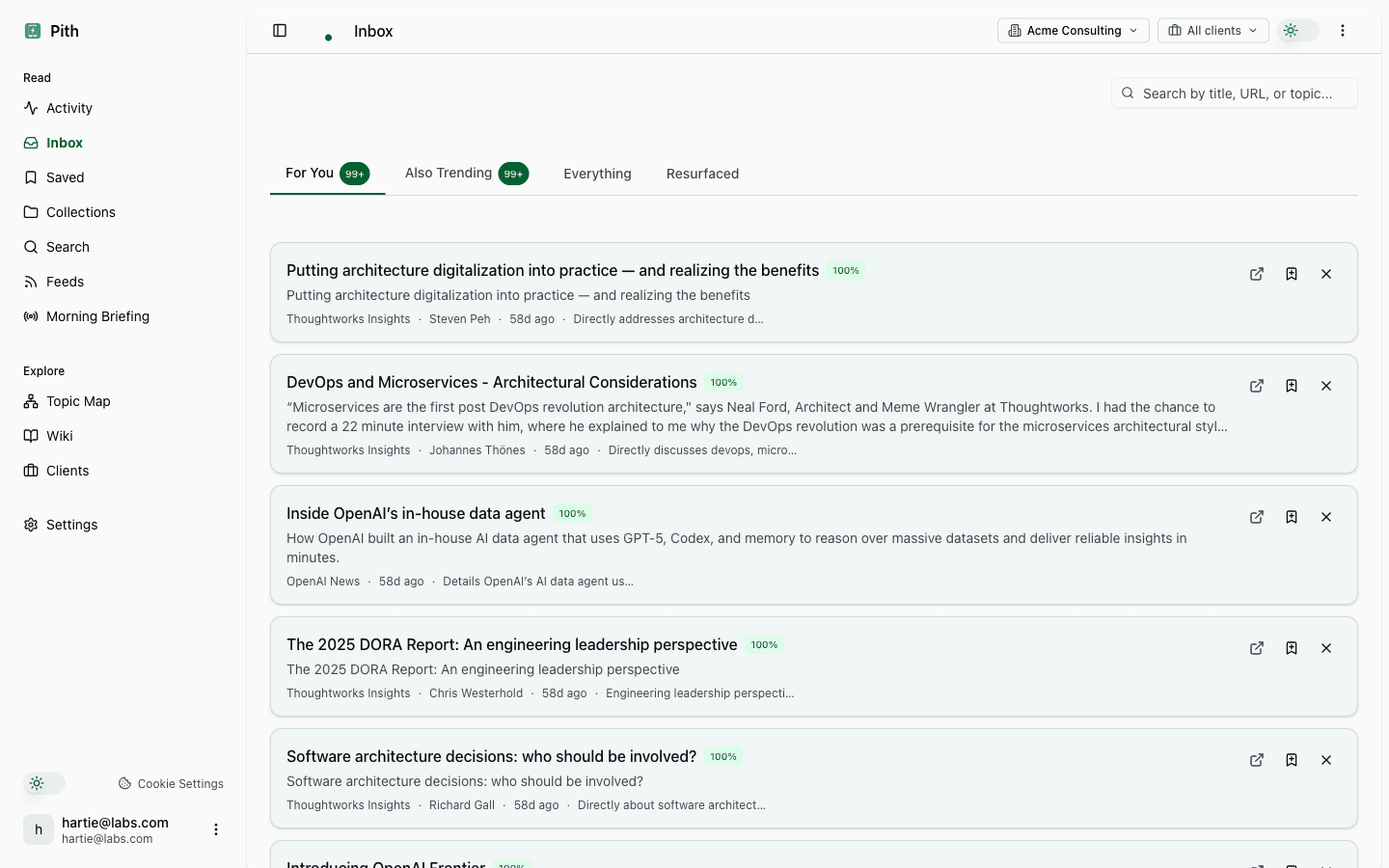
The agent has done the weekly pass over your feeds + saved bookmarks. Catch-up shows two things: feed entries newly relevant to your shifted interests, and old bookmarks the agent thinks you should re-read this week.
- Newly relevant: feed entries that match topics you've been highlighting recently.
- Resurface: archive bookmarks adjacent to your current engagement work.
- Skim, dismiss, or open — the agent learns from the dismiss signal.
Tuesday
Save and highlight as you read
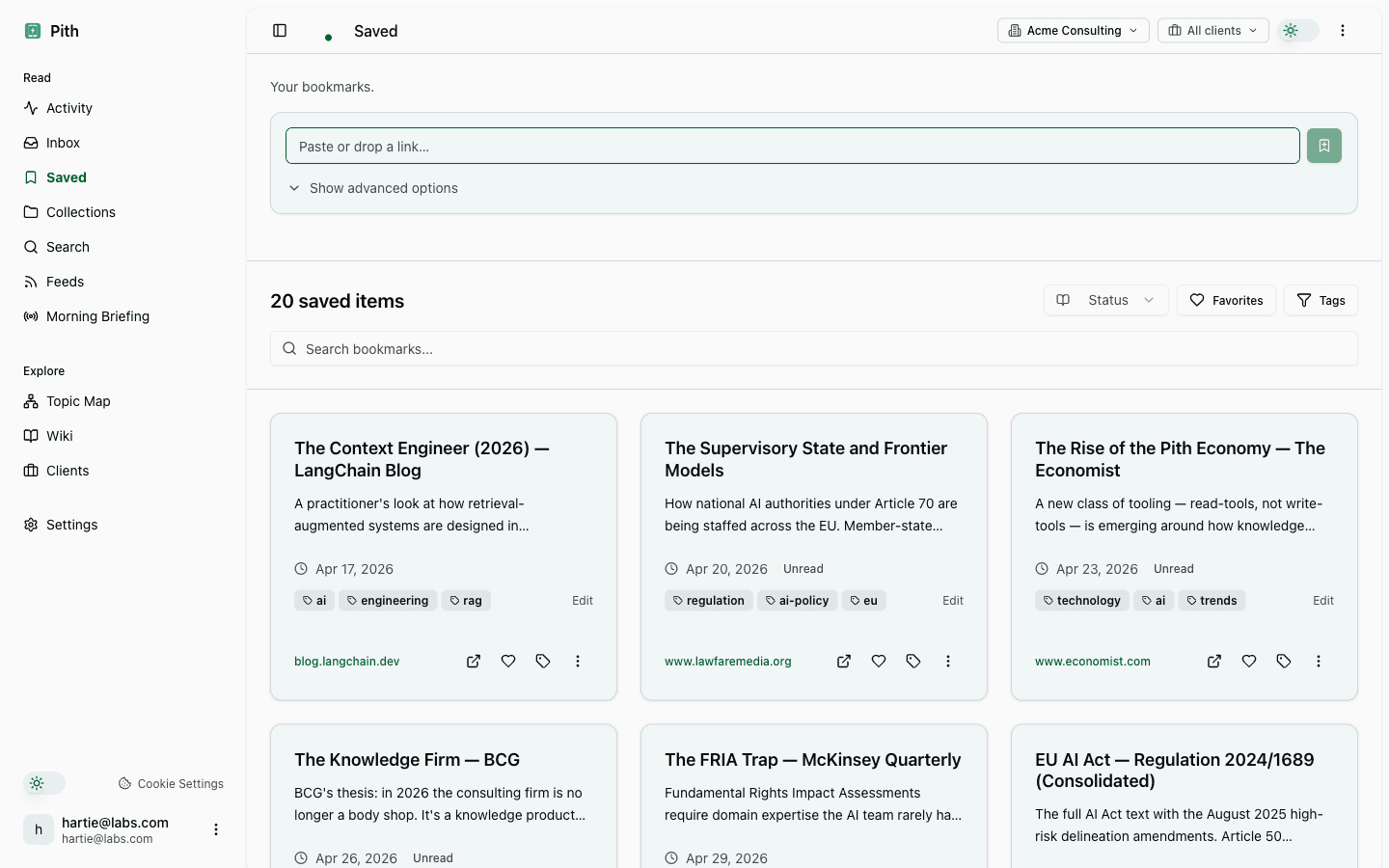
Browser extension on every laptop. Quick-save with ⌘+Shift+S — silent. Open the bookmark to read in Pith and select-to-highlight any passage that matters. That's the whole habit, one keystroke, all week — and it's the free workshop: 200 sources a month included, forever, no subscription.
- Extension stores offline saves and retries when online.
- Highlights feed Catch-up's resurface logic and your next briefing.
- Tag bookmarks with a client (optional) to scope them to an engagement.
Wednesday
Your agent reads the wiki that wrote itself
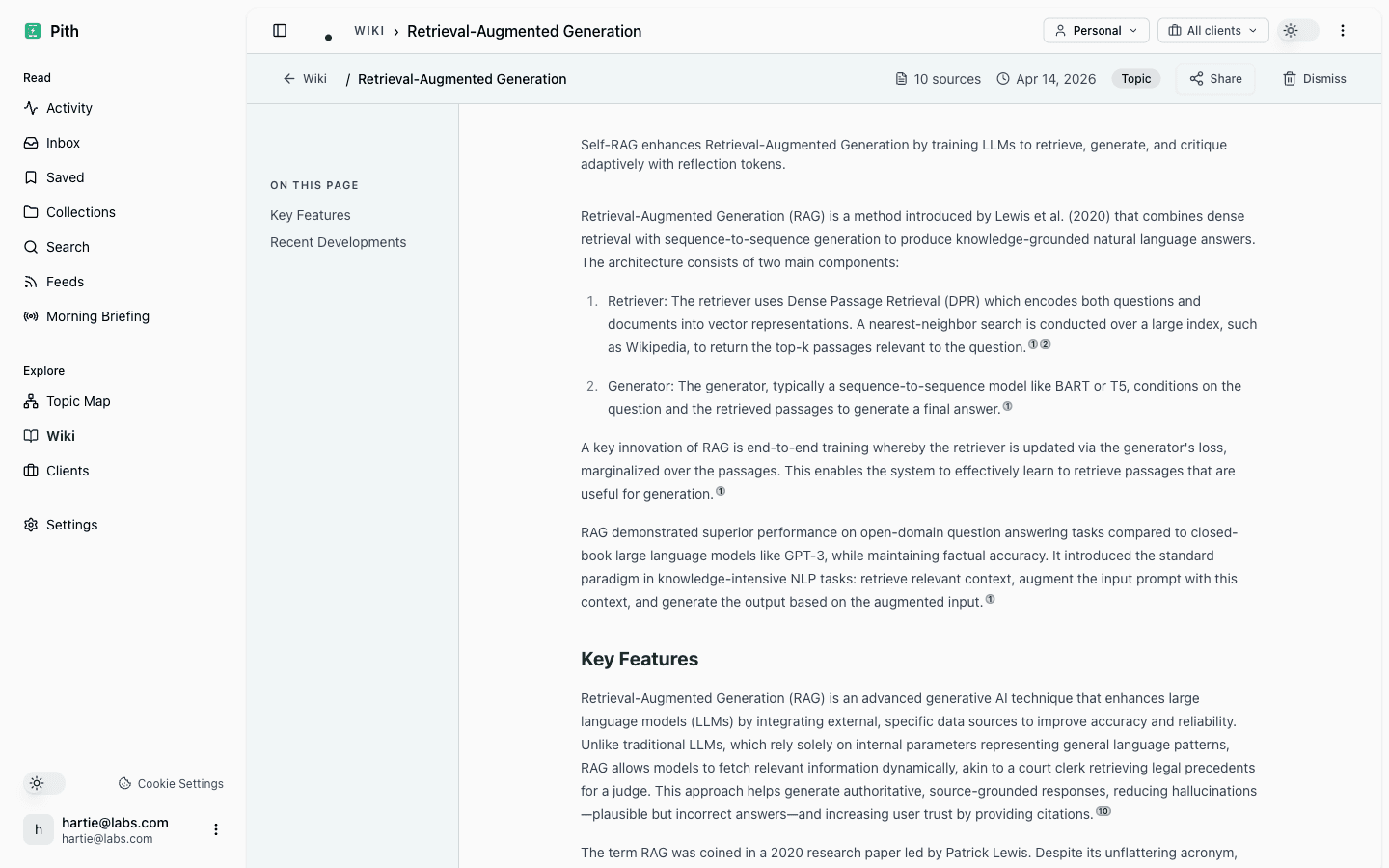
By Wednesday the background agent has turned the week's saves into cited concept pages — people, frameworks, regulations — without you writing a line. Now open Claude or ChatGPT and ask about the engagement: over MCP, your agent searches this memory and answers from the sources you actually vetted. That part is free, on your agent's own tokens. Your agent thinks and writes — Pith remembers and proves.
- Click any citation on a wiki page to open the source bookmark with the exact highlight.
- MCP serves the same cited pages to any agent — Claude, ChatGPT, or your own.
- Skip-domain rules in /settings/ai-agent keep noise out of the wiki (e.g. don't wiki-ify GitHub repos).
Friday morning
Buy the meeting briefing before the client meeting
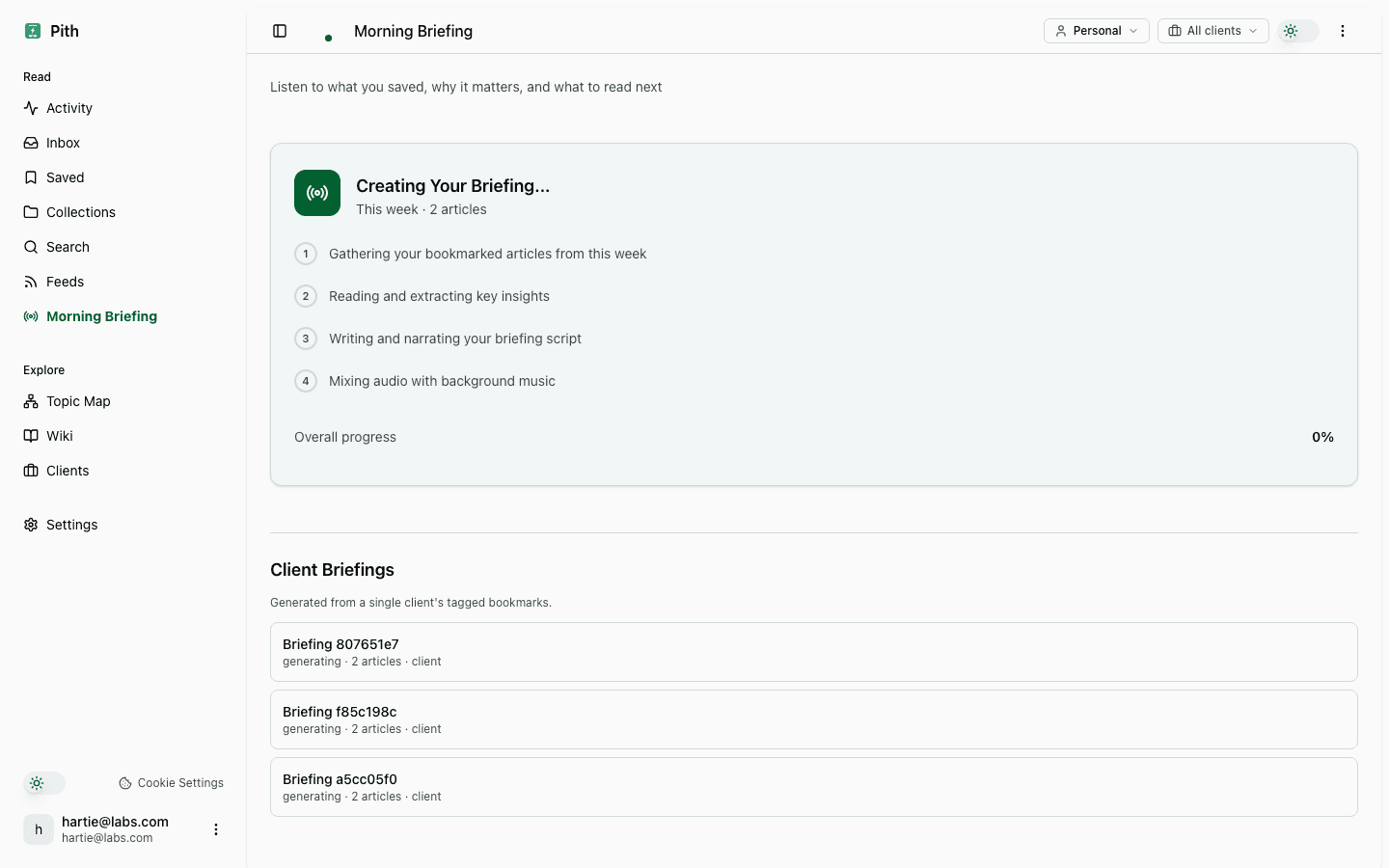
A client meeting at eleven. Open /briefing, pick the engagement — the button says €2, and that's the whole decision. Pith distils what you saved and highlighted for this client into a cited briefing: text, plus audio for the ride. Your balance sits beside it like a fuel gauge — visible, sober, no countdown, no upsell. If generation fails, you pay nothing.
- The price is on the button — €2. Failed jobs cost nothing.
- Every claim in the briefing links a source you vetted; the transcript opens each citation back to the bookmark.
- The purchase is attributed to the engagement — at month-end, the statement lists every deliverable per client, re-billable like any other project cost.
Anytime
Share without giving access
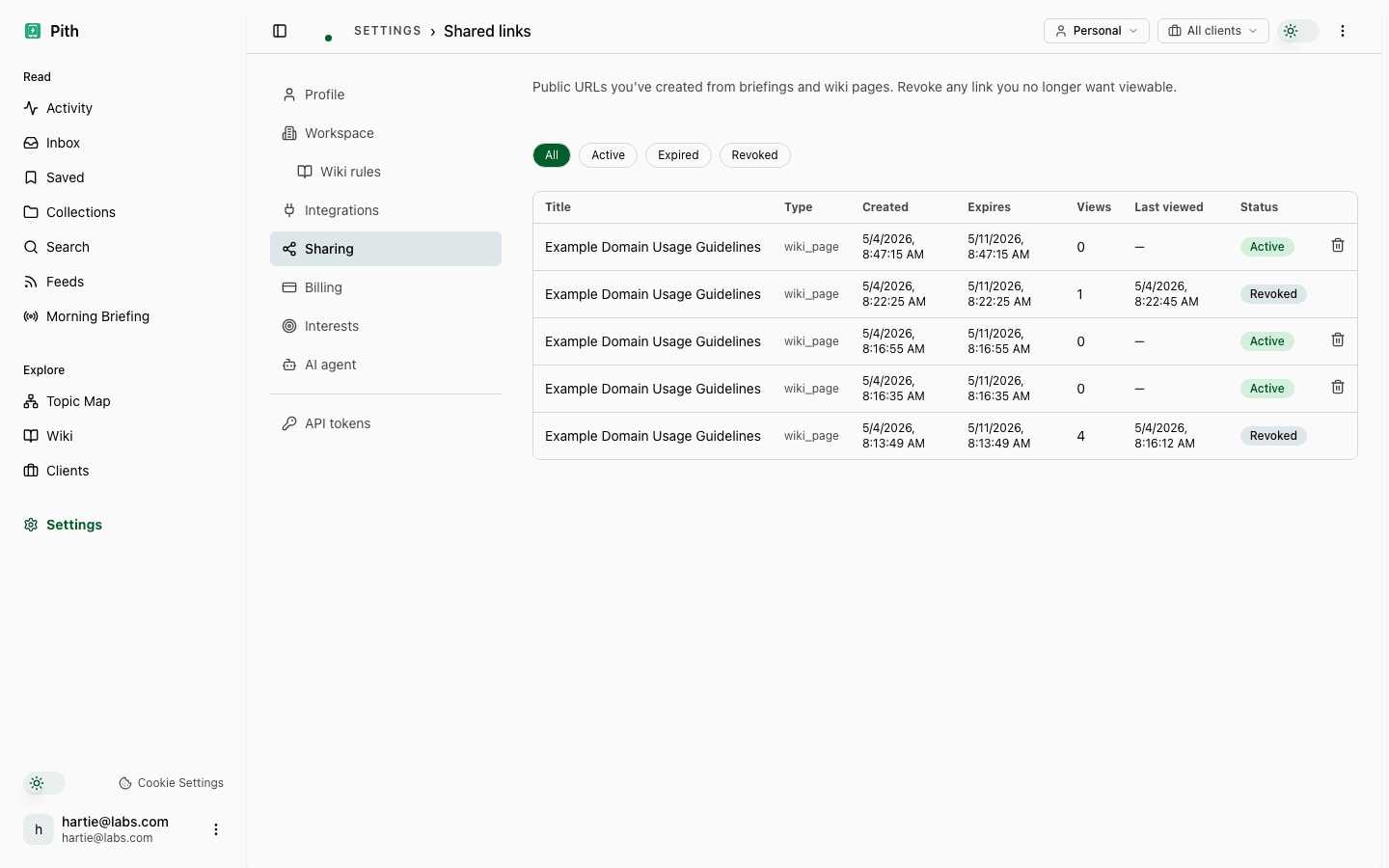
Need to send a wiki page to a client? Or share a briefing with a partner who isn't on Pith? Generate a signed URL — time-bounded, optional view-limit, revocable from settings.
- Each share records distinct viewers + last-accessed timestamp.
- One click revokes the link — the URL stops working immediately.
- Settings → Sharing lists every active link with its audit log.
Ready for your own week?
The workshop is free — no credit card, no subscription, nothing to cancel. Deliverables have fixed prices, on the button.